

The Easy Guide to a Smooth Event Check In Process
You can plan an event for months, but the first real experience attendees have is the check-in desk. If check-in is slow or confusing, it affects how people feel about the event before it even starts. If it runs smoothly, guests settle in quickly and the rest of the programme flows better. Understanding the event check in process is crucial for ensuring this smooth transition.
Effective management of the event check in process can significantly enhance attendee satisfaction and overall event success. By streamlining the event check in process, you can create a welcoming environment for your guests.
This guide explains what event check-in management is, how attendance is tracked, and how to set up a check-in system that works for small, medium, and large events in Ghana, focusing on the event check in process.
What Is Event Check-In Management
Event check-in management is the event check in process of registering attendees as they arrive and confirming their participation. It includes verifying names, issuing badges or materials, directing guests, and managing different guest categories such as general attendees, speakers, exhibitors, and VIPs.
At Geovision-managed events, this process usually combines digital tools and manual backups, including WOW log books, to ensure accuracy and continuity even when technology is unavailable.


Proper training for staff on the event check in process is essential for minimizing delays and ensuring accurate attendance tracking.
A proper check-in system focuses on three things:
- Speed
- Order
- Clear communication
When these are in place, crowd control becomes easier, and the event starts on time, making the event check in process efficient and effective.
How Attendees Are Tracked at Events
Attendee tracking typically happens in two stages.
1. Arrival Check-In
This confirms that the guest has arrived. Depending on the event size, this can be done using:

- QR code scanning
- Check-in apps
- Tablets or laptops
- Printed registration lists
- WOW log books for manual verification and backup records
Manual log books are still useful in Ghana, especially for:
- Backup documentation
- Power or internet interruptions
- VIP confirmation
- Compliance and reporting
2. Session Tracking
Session tracking records which sessions attendees participate in. This is common for:
- Conferences with multiple breakout rooms
- Training programmes
- Certification or CPD events
Session data helps organisers understand attendance flow, session popularity, and sponsor engagement.
Preventing Check-In Delays
Check-in delays usually happen because of poor preparation. These steps reduce bottlenecks.
Use Self-Check-In Where Possible

Self-check-in desks or QR scanning stations reduce queues. Attendees check themselves in while staff assist only when needed.
Prepare Manual Backups
Even when digital systems are used, WOW log books should always be available. They ensure:
- No attendee is turned away
- Accurate manual records
- Continuity during technical issues
Separate Guest Categories
Create different lines or desks for different guest categories to optimize the event check in process.
- VIPs
- Speakers
- Media
- General attendees
This improves flow and reduces congestion.
Planning the Event Check-In Process
Before the event day, define how check-in will work.
Key questions:
- Will registration be digital, manual, or both?
- How many desks are required?
- How many staff or volunteers are needed?
- Will badges be printed onsite or pre-printed?
- How will late registrations be handled?
A simple flowchart shared with the check-in team prevents confusion.
Training the Check-In Team
Check-in staff are the first point of contact. They should:

- Understand the registration list
- Know how to use the check-in tools
- Be familiar with the event layout
- Know where to direct guests
A short briefing before doors open makes a noticeable difference.
Creating a Front Desk FAQ
Common questions always come up. Prepare answers in advance for:


- Registration issues
- Seating directions
- Programme timing
- Speaker locations
- Lost badges
- Wi-Fi access
This keeps lines moving and reduces pressure on staff.
Choosing the Right Check-In Tools
There is no single best tool for every event. The right setup depends on:
- Event size
- Budget
- Venue infrastructure
- Internet reliability
For large conferences, digital check-in systems with QR scanning work well. For medium and smaller events, a hybrid approach using tablets and WOW log books is often more reliable.
Onsite Payments and Late Registration
Some attendees register onsite. Prepare payment options in advance:
- Mobile money
- Card payments
- Manual receipt recording
Late registrations should have a separate process to avoid slowing down pre-registered guests.
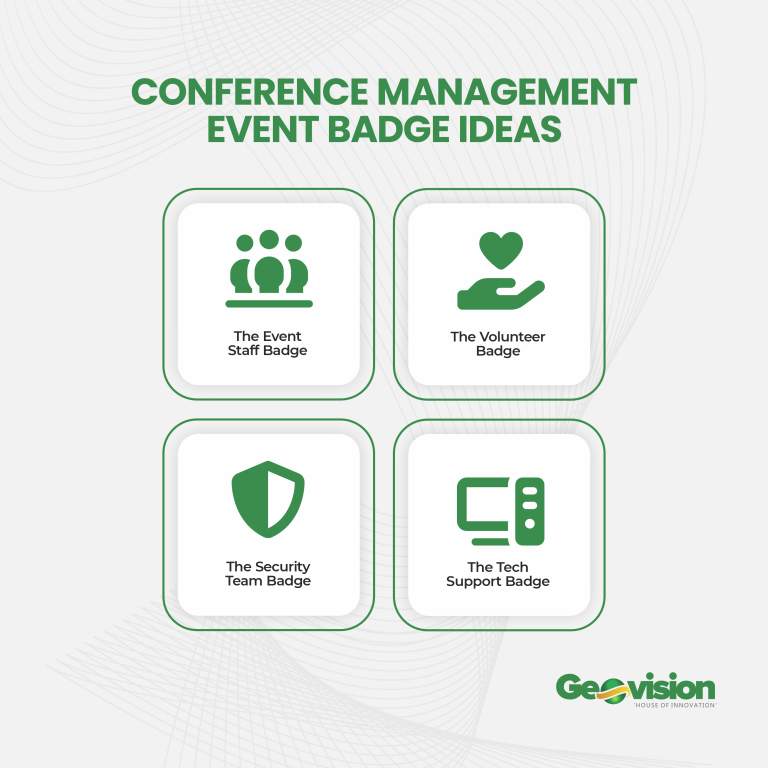
Badge Printing and Identification
Understanding the intricacies of the event check in process helps in avoiding potential pitfalls during the event.

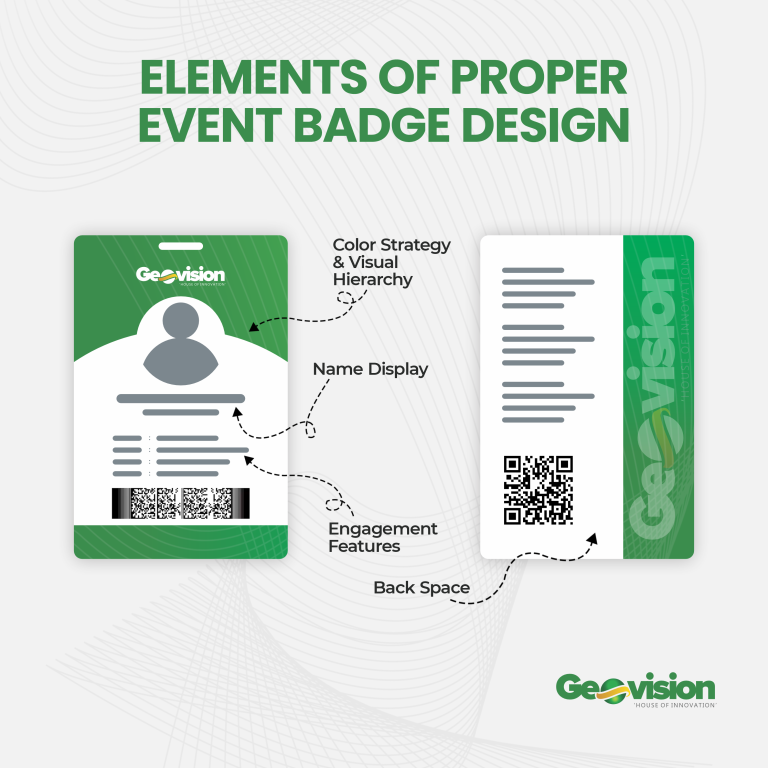
Badges help with identification, access control, and networking. They should:
- Be readable from a distance
- Include name and organisation
- Match the event branding
Badges can be pre-printed or printed onsite depending on the event size.
Clear Signage Matters
Directional signage reduces confusion and delays. Clearly label:
- Check-in area
- VIP desk
- Help desk
- Session rooms
Signage should be visible from the venue entrance.
Help Desk Setup
Even with good planning, issues arise. A help desk allows:
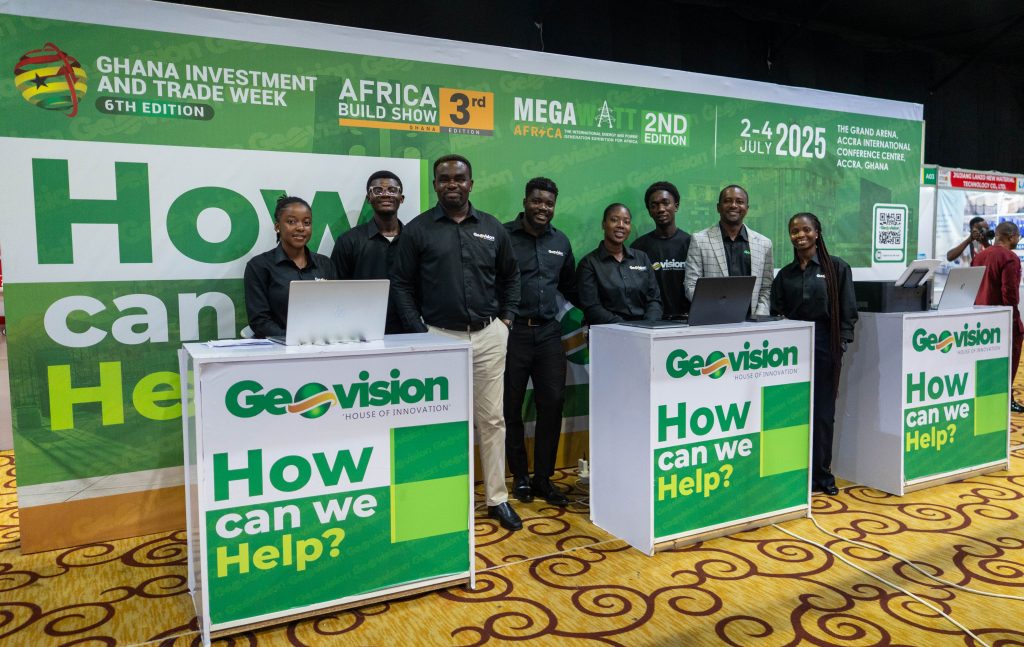

- Registration corrections
- Lost badge replacement
- Guest assistance
It keeps the main check-in area moving.
Test Everything Before the Event
All devices, scanners, printers, and internet connections should be tested before doors open. This includes:
- Power supply
- Backup power
- Network strength
Testing prevents avoidable disruptions.
Tracking Attendance Beyond Check-In
Session check-in helps organisers:
- Measure engagement
- Report to sponsors
- Validate certifications
This can be done digitally or manually using session attendance sheets or log books.
Rethinking Event Check-In
Event check-in is not just administrative. It shapes how attendees perceive organisation and professionalism. A well-planned check-in system combines:
- Clear structure
- Trained staff
- Reliable tools
- Manual backups like WOW log books

When check-in works properly, everything else becomes easier to manage.
Frequently Asked Questions
What is event check-in?
Event check-in is the process of confirming attendees when they arrive at an event. It includes verifying registrations, recording attendance, issuing badges or materials, and directing guests to the correct areas of the venue.
Why is event check-in important?
Check-in sets the tone for the entire event. A slow or disorganised process causes delays, congestion, and frustration. A smooth check-in process helps events start on time and improves attendee experience.
What tools are used for event check-in?
Event check-in can be managed using digital tools such as QR code scanners, tablets, or check-in apps. Manual tools like printed lists and WOW log books are also used as backups and for record keeping.
Can event check-in work without internet?
Yes. Manual systems such as registration lists and WOW log books allow events to continue even if internet access is unavailable. Hybrid systems combining digital and manual methods are commonly used in Ghana.
How do you manage large crowds during check-in?
Large events use multiple check-in desks, separate queues for guest categories, clear signage, and trained staff. Self-check-in options and pre-printed badges also help reduce waiting time.
What happens if an attendee is not on the registration list?
Unlisted attendees are handled at a help desk or late registration desk. Their details are recorded manually or digitally, and payment is processed if required.
Is on-site registration allowed at events?
Yes. Many events allow on-site registration. This requires a separate process to avoid slowing down pre-registered attendees. Payment options and receipt tracking should be prepared in advance.
How is attendance tracked after check-in?
Attendance can be tracked at session level using digital scanners or manual attendance sheets. This is useful for reporting, certifications, and sponsor engagement analysis.
What is the role of check-in staff?
Check-in staff verify registrations, assist attendees, issue badges, answer basic questions, and direct guests. They are the first point of contact and must be well briefed before the event starts.
Do small events need a check-in system?
Yes. Even small events benefit from a simple check-in process. It helps track attendance, maintain order, and creates a professional first impression.